



BLD-01 · Building technology
Wi-Fi and wireless links designed from measurements
Wireless problems are rarely solved by adding access points. They are solved by a survey, a capacity plan and channels that don't fight each other.
Wi-Fi: capacity first, coverage second

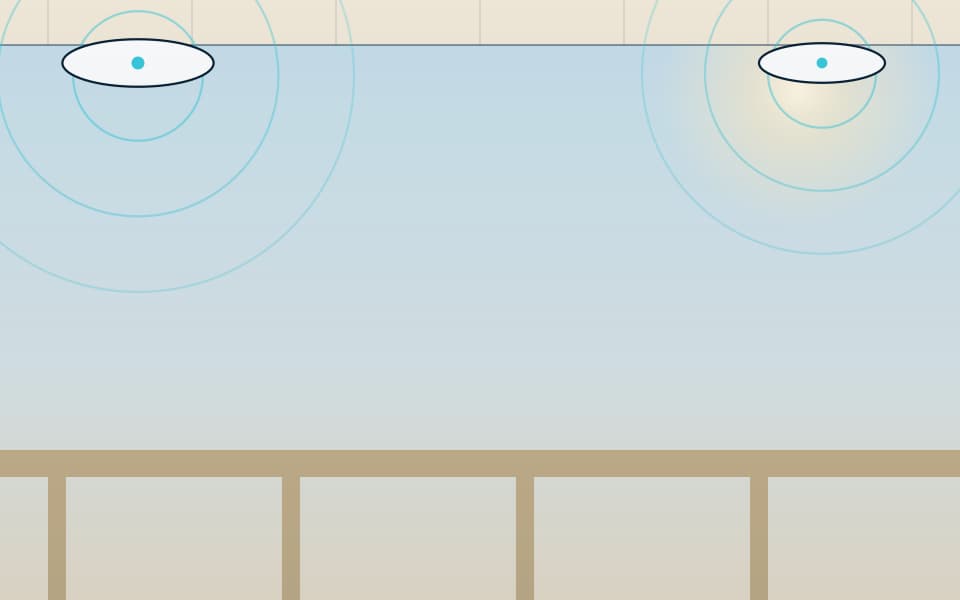
We design Wi-Fi for the number of devices and what they do, then confirm coverage. A ballroom with 500 guests streaming needs far more access points than its floor area suggests. A warehouse with handheld scanners needs reliable roaming more than speed.
The process: a predictive model on your drawings with the actual wall materials, a site check of the materials (concrete, glass, metal racks and decorative cladding all behave differently), a channel and power plan, then a validation survey after installation that shows signal, interference and roaming performance. You receive the heat maps.
The 6 GHz band (Wi-Fi 6E and 7) gives far more clean channels where regulations permit and client devices support it. Most sites still need 2.4 and 5 GHz for older devices and IoT.
Point-to-point and point-to-multipoint links
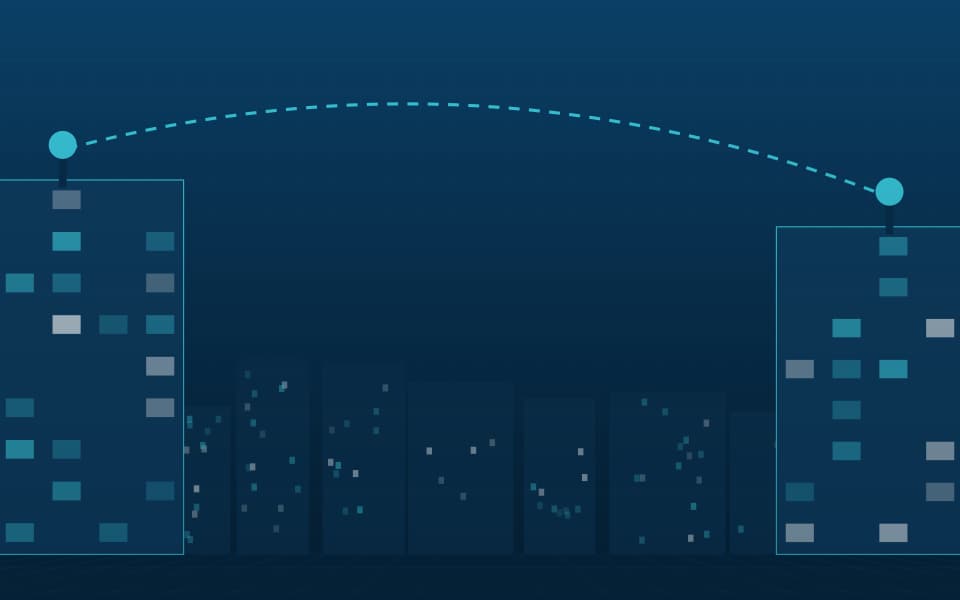
Wireless links connect gatehouses, remote buildings and perimeter cameras where trenching isn't practical. Link design checks line of sight and Fresnel zone clearance (we keep at least 60% of the first Fresnel zone free of obstruction), path loss, fade margin, and interference on the chosen band. Unlicensed 5 GHz suits most short links; 60 GHz gives high capacity over short distances; licensed microwave suits long, critical links.
Mounting is engineered too: masts and brackets that hold alignment in high wind, lightning and surge protection, and earthing.
Security and separation
Corporate, guest, IoT and security devices go on separate networks with appropriate authentication: WPA3 or 802.1X for staff, isolated guest access with a captive portal where needed, and restricted networks for cameras and building systems.
Our part, start to finish
What we do on a wireless project
We don't sell the equipment. We design the system, install and commission it, and keep it working.
Design & consulting
- Capacity and coverage requirements
- Predictive design with real wall losses
- Link budgets and path profiles
- Network segmentation plan
Installation
- Access point and link installation
- Mast, bracket and earthing works
- Controller and SSID configuration
- Post-installation validation survey
Maintenance
- Performance and interference reviews
- Firmware management
- Link alignment and signal checks
- Fault response
Before you buy
Questions to settle first
These decide cost and performance more than the brand on the box. We work through them with you at survey stage.
- How many devices at peak, and what are they doing?
- Which areas need seamless roaming?
- What are the walls and ceilings made of?
- Is there line of sight between buildings for links?
- Who manages guest access and its terms?
- Which devices must stay on 2.4 GHz?


Gallery
Wireless in context
Illustrations show typical arrangements, not specific projects. Select an image to enlarge it.