


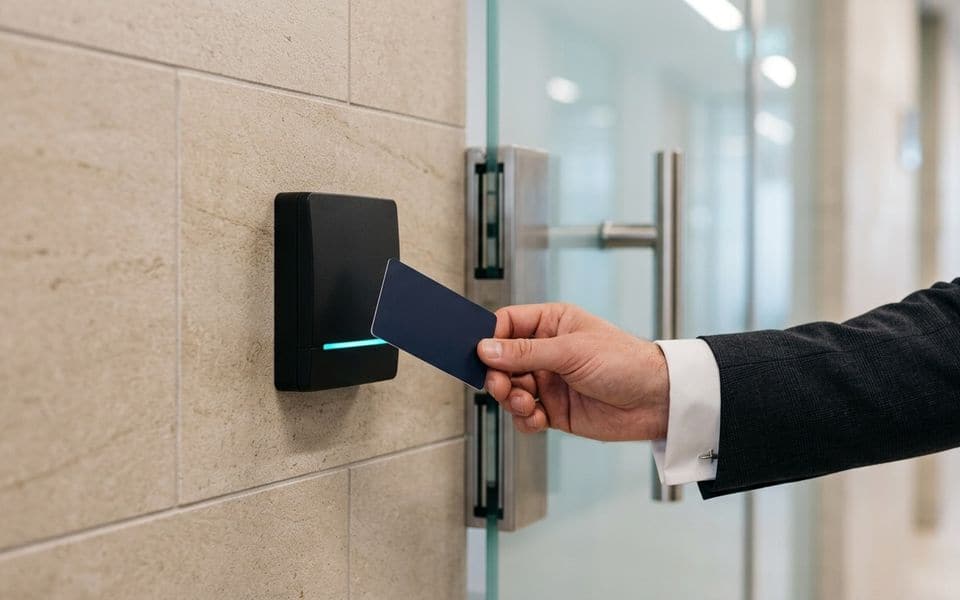
SEC-02 · Security & access
Access control: who goes where, and proof that they did
A door controller is the easy part. The design work is in the credential, the reader link, the lock hardware and what the door does when power or the fire system says otherwise.
Credentials: the part that gets copied

Many buildings still run on 125 kHz proximity cards. Those cards transmit a fixed number with no encryption, and inexpensive tools can read and clone them from a short distance. Older MIFARE Classic cards are better but their encryption has been broken for years.
| Credential | Security | Use today |
|---|---|---|
| 125 kHz proximity (EM, Prox) | No encryption, easy to clone | Replace when possible |
| MIFARE Classic | Proprietary crypto, publicly broken | Legacy only |
| MIFARE DESFire EV2 / EV3 | AES-128, diversified keys | Recommended baseline |
| Mobile credentials (BLE/NFC) | Depends on platform and key management | Good where phones are accepted |
Security also depends on who holds the keys. If the card programme uses a manufacturer's default keys, the card type matters less. We define a site key strategy and who controls it before cards are ordered. Where a site has thousands of legacy cards, we plan a dual-technology migration rather than a single cut-over day.
Reader to controller: Wiegand vs OSDP
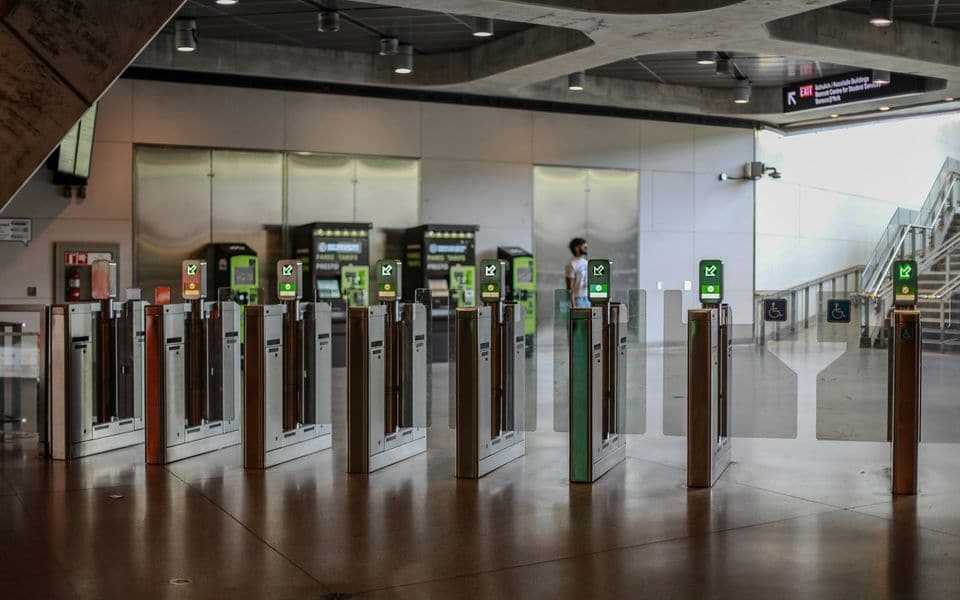
The wire between reader and controller is often the weakest link. Wiegand sends data one way, unencrypted, and the controller cannot tell if the reader has been removed or replaced. OSDP (standardised as IEC 60839-11-5) is two-way, supervises the reader, and with Secure Channel encrypts the traffic. On new installations we specify OSDP with Secure Channel enabled, and we confirm the controller and readers actually support it before approval.
Doors, locks and what happens when power fails

Every door gets a door schedule entry: lock type, fail mode, release devices, door position contact, request-to-exit and any interlock or anti-passback rule.
- Fail-safe locks release when power is removed. Magnetic locks are fail-safe by nature. They suit escape routes where the door must open in an emergency.
- Fail-secure locks stay locked without power and normally open mechanically from the egress side. They suit stores, IT rooms and perimeter doors that must stay secure during an outage.
Doors on escape routes must release on a fire alarm signal. We don't install fire alarm systems; we design the release interface and coordinate it with your fire-alarm contractor and the approving authority, then witness the release test with them.
A locked door that won't open in an emergency is a life-safety failure. The fail mode is decided per door, in writing, before installation.
Integration and records
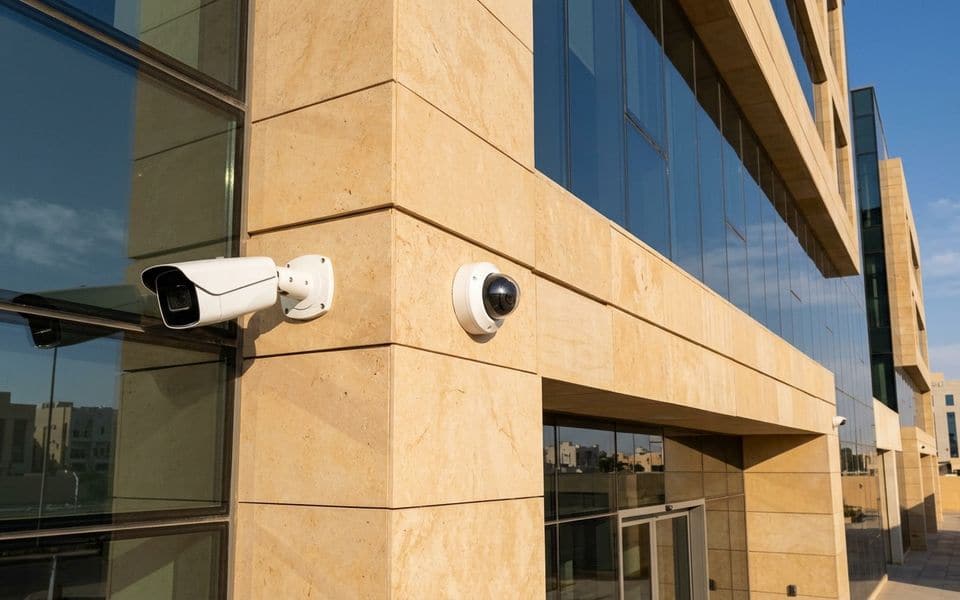
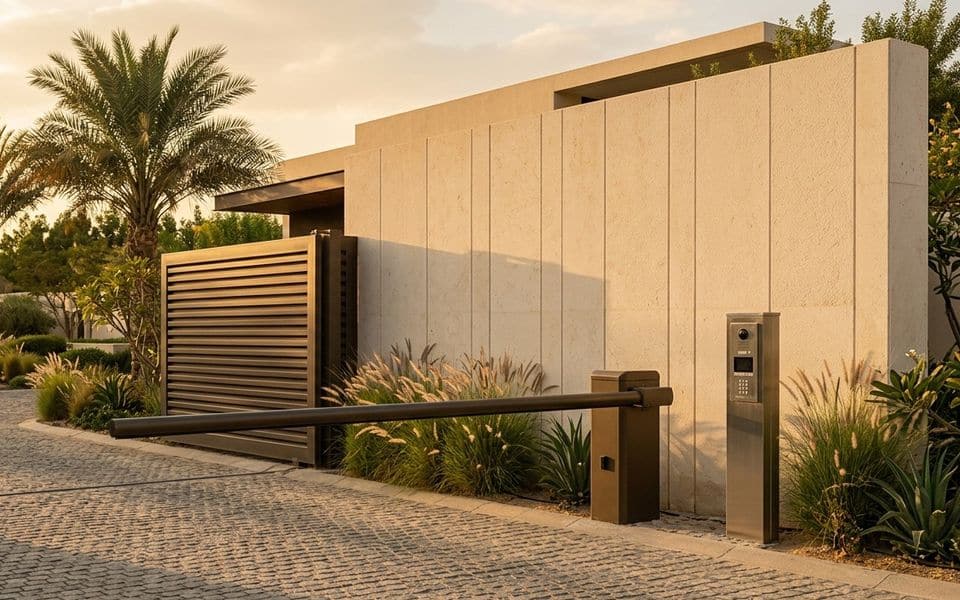
Access events become far more useful when linked to video: a door-forced alarm that opens the camera view of that door saves minutes. Other common integrations are HR or Active Directory for joiners and leavers, visitor management with pre-registration and badge printing, lift destination control, and car park access with ANPR.
We set up the system so people leave it when they leave the organisation. The most common audit finding on access control is active cards belonging to former staff.
Our part, start to finish
What we do on a access control project
We don't sell the equipment. We design the system, install and commission it, and keep it working.
Design & consulting
- Door schedule with fail mode per door
- Credential and key-management strategy
- Reader, controller and cabling design (OSDP)
- Interfaces to fire alarm, CCTV, HR and lifts
- Audit of existing systems and card populations
Installation
- Controller, reader and lock installation
- Door hardware coordination with the joinery contractor
- Card programming and enrolment set-up
- Fire release and interlock testing, witnessed
- Operator training and handover records
Maintenance
- Quarterly door and lock function tests
- Battery and power supply checks
- Event log and user list reviews
- Firmware management
- Emergency call-out for door faults
Before you buy
Questions to settle first
These decide cost and performance more than the brand on the box. We work through them with you at survey stage.
- Which doors are on escape routes, and how must they behave in a fire alarm?
- What credential will you use, and who will own the encryption keys?
- Do you need anti-passback, interlocks or two-person rules anywhere?
- How will joiners, leavers and visitors be managed day to day?
- Should access events trigger camera views or alarms?
- What happens to existing cards during migration?
Works alongside
Related systems
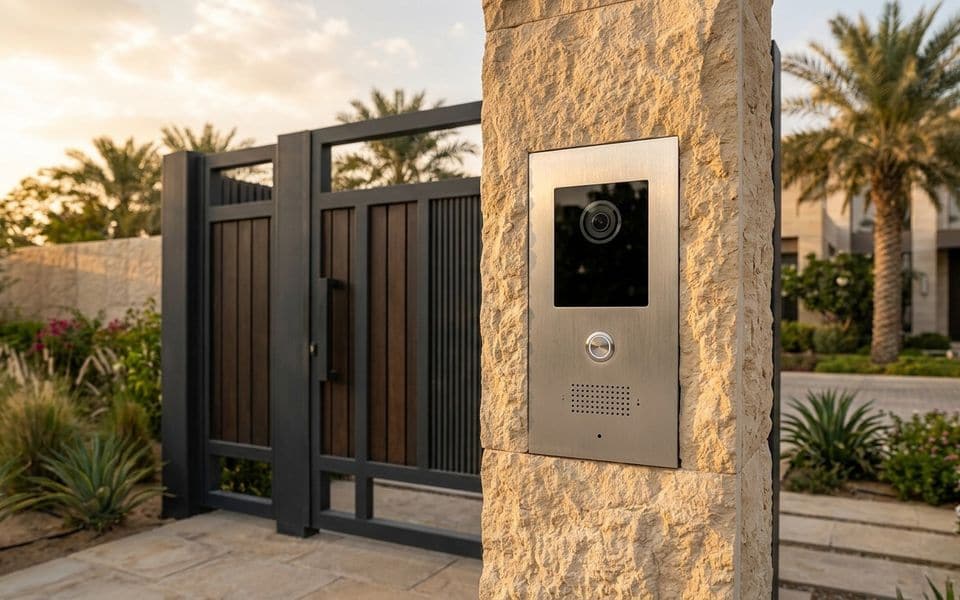
Gallery
Access control in context
Illustrations show typical arrangements, not specific projects. Select an image to enlarge it.